
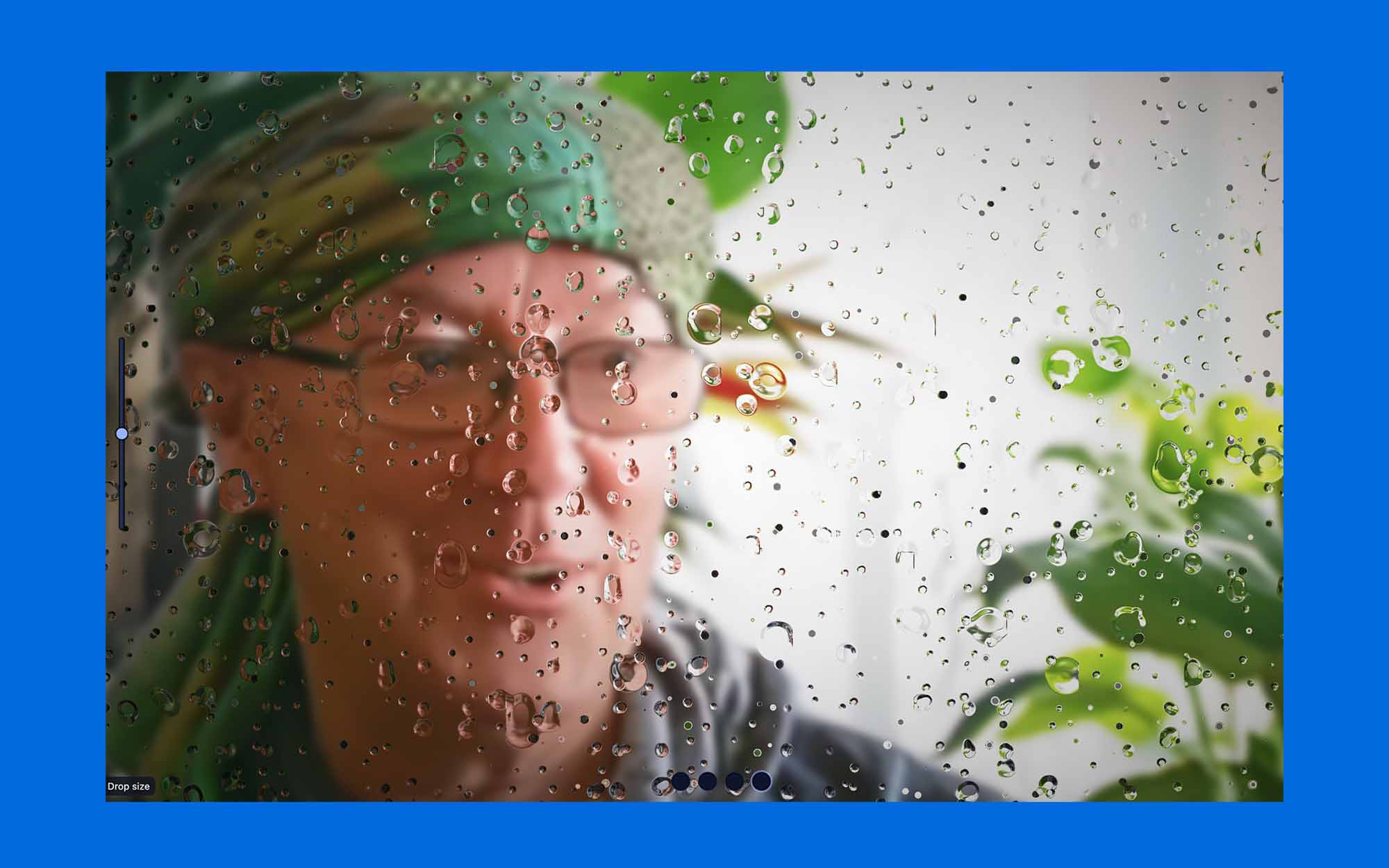
Rain
(And WebGL)
Raindrops …
Drop drop drop …
I love them
not just how they sound
not just how they look
not just how they make me feel, inside
Also how they slide down the window glass!
I don’t really know what’s their magic
What parts of my brain they tickle?
But tickle they do!
Now the rainy season has started here
We have a lot of raindrops now.
I sure am happy for it!
~~~
And what is WebGL, you ask?
There’s a – kind of – short answer to that, and a long one as well 😉!
I have often tried to “recreate” raindrops with code on the screen.
Not just as a photo, but actually created-from-code-rain on a window.
Also the sound, but that is easy.
But raindrops?
Not so!
But now I found a way, an amazingly natural looking way.
I did a crash course in WebGL/shaders and here it is:
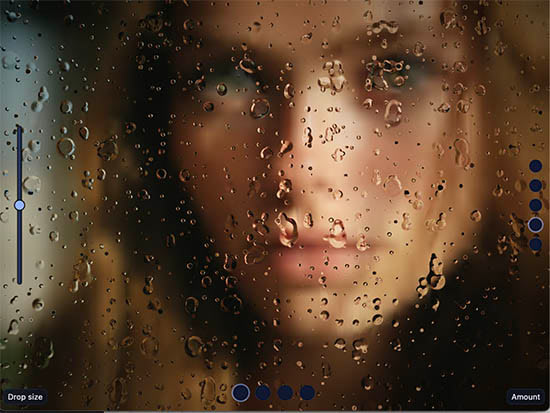
Rain on my window, like in real life.
See for yourself!
~
I have been quite active – already 20 years ago – to make things on the web that look more like art or playful nonsense than the usual information-oriented content on the web. Adobe (Macromedia) Flash has been my “weapon of choice”, until this program has been laid to rest.
Browsers did not support Flash anymore, starting 2017, mostly because the program was “eating a lot of computing power and battery life” and this was rather counterproductive for mobile phones.
May Flash rest in peace!
It was fun to work with you!
Now some smart folks have developed a much more effective way to create art and all kind of other interactive animated experiences on the web. WebGL and Fragment Shaders.
I asked Cora, the CodeWizard 😎 from OpenAI to explain shortly what WebGL and Shaders can do and give a short introduction into such code magic.
What Is WebGL2?
At its simplest, WebGL2 is a tool that allows websites to access your computer’s Graphics Processing Unit (GPU), which is hardware specifically designed to handle complex visual tasks. Think of the GPU as an artistic super-processor.
Traditionally, your computer’s main brain (the CPU) would have to do all the work, but WebGL2 lets web pages tap directly into the GPU’s power to create everything from 3D games to the intricate animations you see here. It’s the reason web-based graphics have become so much more powerful and fluid.
The Role of Shaders
Now, let’s talk about the “recipe” for these visuals: shaders. A shader is a small program written in a special language, OpenGL Shading Language (GLSL) that tells the GPU exactly what to do with each individual pixel or point on the screen. There are different types of shaders, but the most important one for creating the kind of art you see here is the fragment shader.
The Fragment Shader: The Master of Pixels
The fragment shader is a powerful program that runs for every single pixel on your screen, all at the same time. . Its only job is to calculate the final color of that one pixel. It’s a bit like an artist with an infinite number of brushes, each one painting a single dot on a canvas, but they are all working simultaneously.
For each pixel, the fragment shader takes in information, such as the mouse position, time, or other data, and uses it to perform mathematical calculations. Based on these calculations, it outputs a final color (red, green, blue, and transparency) for that pixel.
This parallel, per-pixel approach is what makes complex, organic, and fluid animations possible without slowing down your computer. Instead of the CPU drawing the image one pixel at a time, the GPU processes millions of pixels in parallel, resulting in the seamless, intricate visual experiences you’re exploring on this site.
In short, WebGL2 is the engine, and the fragment shader is the specialized program that crafts every pixel, bringing these mesmerizing digital artworks to life.
A short History
The technology behind WebGL2 and fragment shaders has a relatively short but impactful history, evolving from the need for real-time 3D graphics on the web.
The Dawn of Web Graphics: From Java to Flash
In the early days of the internet, web graphics were static and limited. The first steps toward dynamic, interactive content came from technologies like Java applets and Macromedia/Adobe Flash.
These tools allowed for richer animations and simple games, but they were often slow, proprietary, and required special plugins. They ran on the computer’s central processor (CPU), which isn’t optimized for visual tasks, limiting their performance.
The Rise of GPUs and APIs: OpenGL
As graphics cards (GPUs) became more powerful, developers needed a way to program them. This led to the creation of Graphics APIs like Microsoft’s Direct3D and the open-source OpenGL. These APIs provided the language to communicate with the GPU, instructing it to render 2D and 3D graphics much faster than the CPU ever could.
This is where the concept of shaders was born—small programs that run directly on the GPU, allowing for unprecedented control over how light, color, and texture are rendered.
The WebGL Revolution: A Game Changer
The final piece of the puzzle was bringing this power to the web without plugins. This is where WebGL comes in. In 2011, the Khronos Group (the same consortium behind OpenGL) released WebGL 1.0. It was essentially a direct translation of the OpenGL ES 2.0 API, specifically designed to run within a web browser.
This was a major milestone because it allowed developers to create stunning, hardware-accelerated 3D graphics and visual effects directly in the browser using JavaScript, without requiring any separate plugins. All major browsers now support it natively.
WebGL2, released in 2017, is the second generation. It’s based on the more advanced OpenGL ES 3.0, offering a richer set of features and improved performance. It allows for more complex and efficient graphics, making technologies like fragment shaders even more powerful for creating the kind of organic, detailed art you see today.
Thanks Cora!
I had a crash course in shader code recently and my brain is still smoking from overheating … 🤣
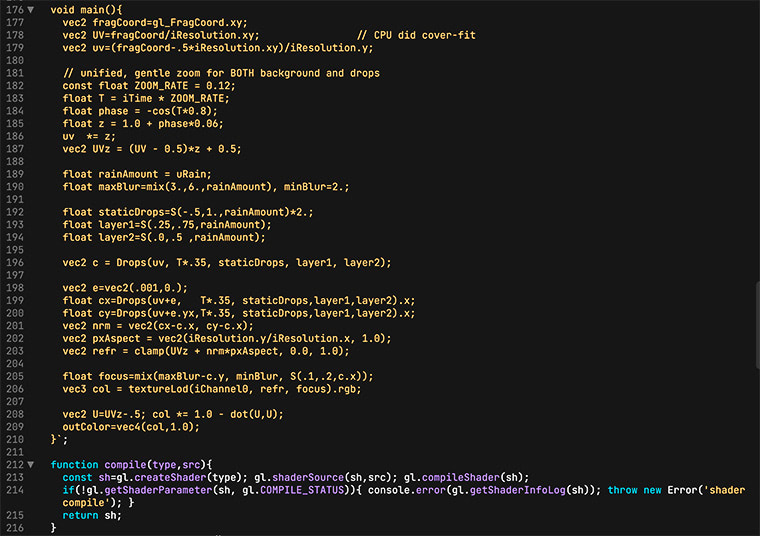
Here is a little bit of such a hot shader code:
☔️